1. Purpose
The User Admin Report app provides Jira administrators a quick way to view user account status, last activity, last comment, number of updates in the last week and last month, number of comments in the last week and month, and last comment activity. Use this guide to view the report.
(Screenshots and UI references provided below.)
2. Before You Start
You must have Jira admin (or the app’s required) permissions to open the User Admin Report.
3. Open the User Admin Report
- Sign into Jira with your admin user.
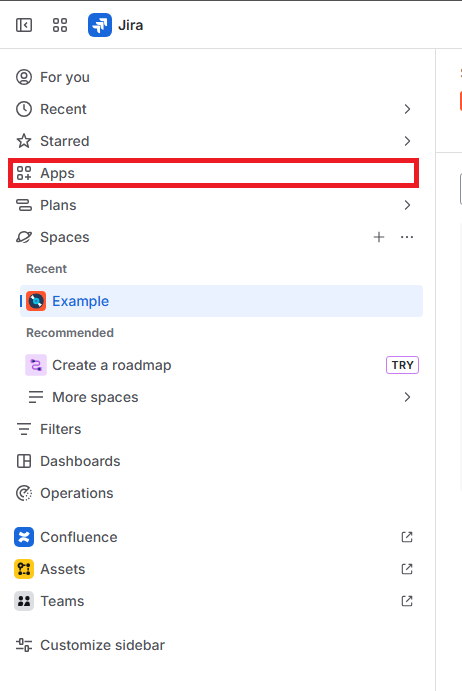
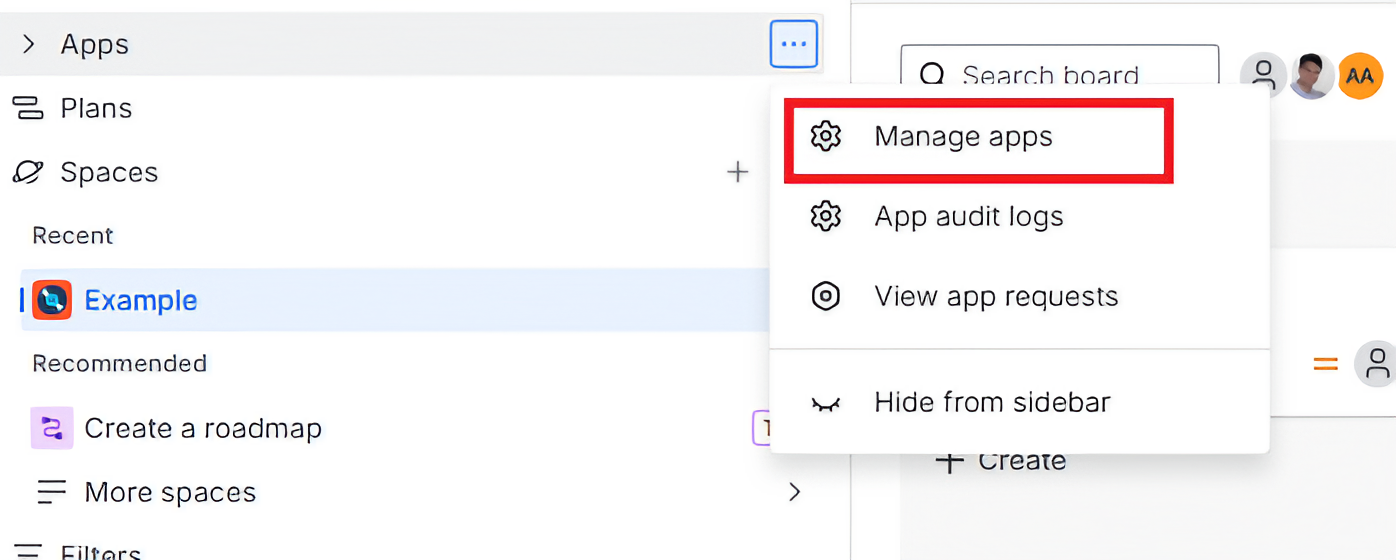
- From the left navigation or Jira Apps menu, select Manage Apps.
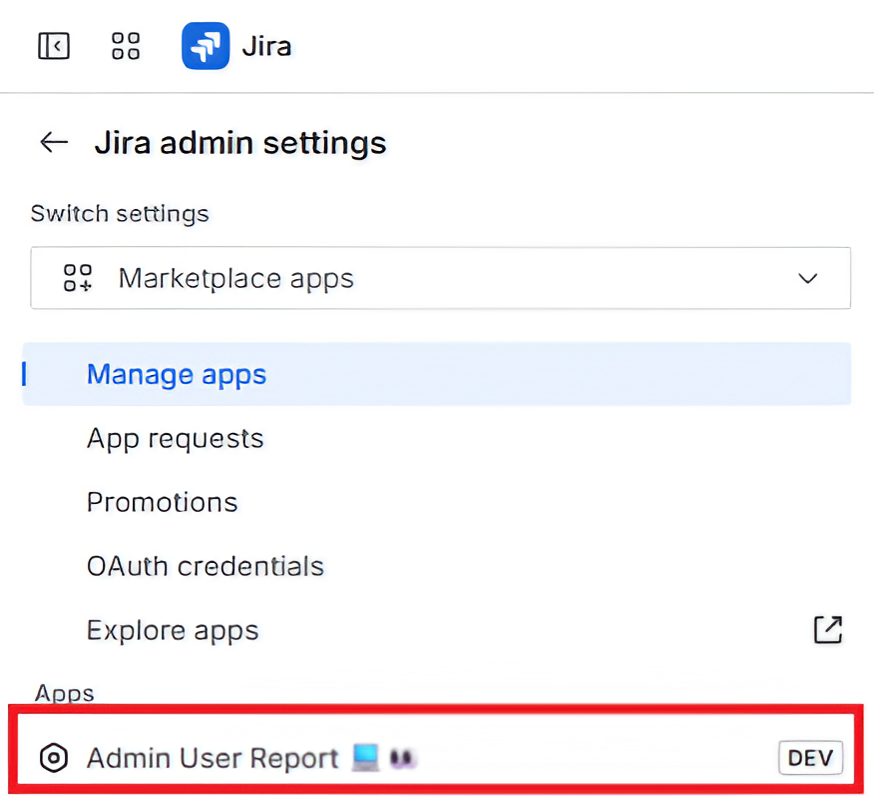
- From the Manage Apps page, select User Admin Report.
- The app landing page shows the report dashboard. (See screenshots below for the dashboard view.)
4. Dashboard Overview
- Open the app dashboard.
- Wait until the spinner finishes and the table populates.
- Review the default columns.